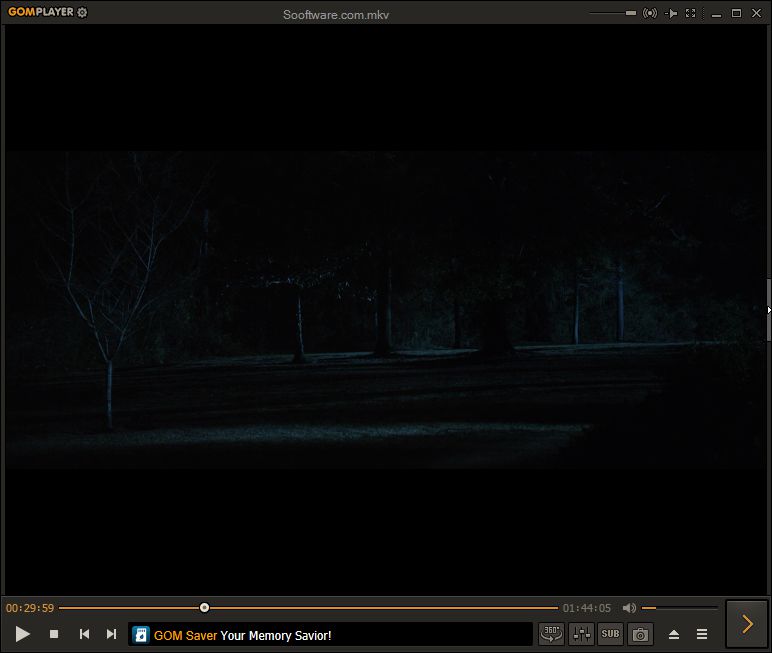
You'd think watching a video on your computer would be a no-brainer. After all, Windows comes preloaded with the Movies & TV app and Windows Media Player, which both handle basic playback just fine.
Beyond basic media playback
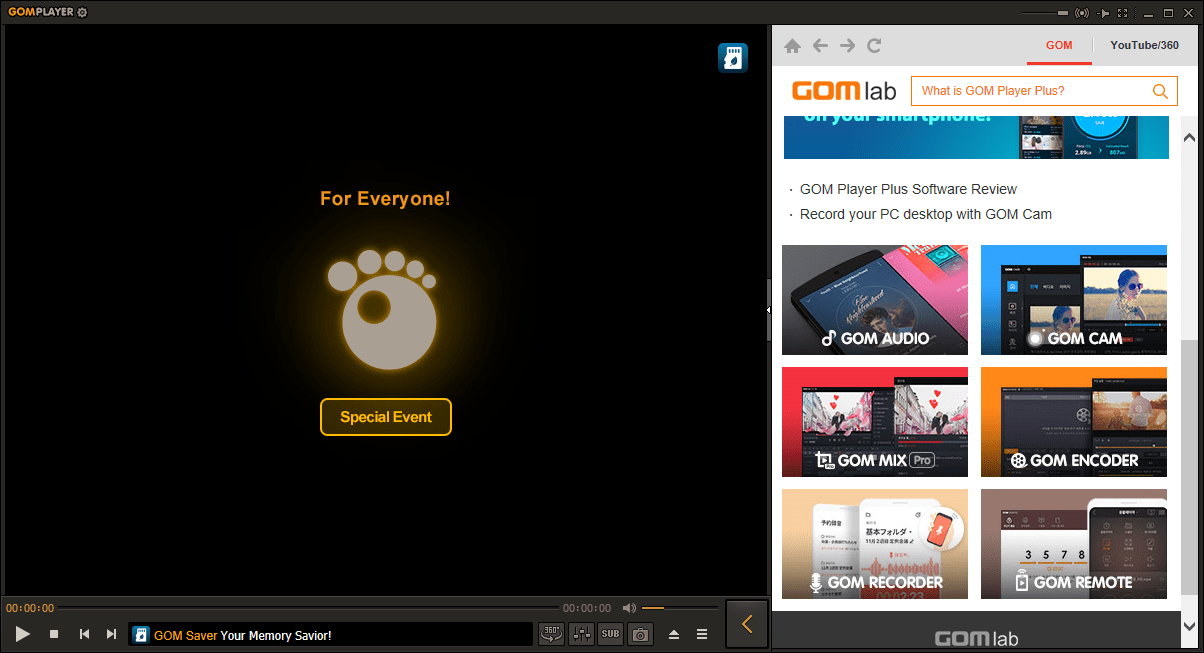
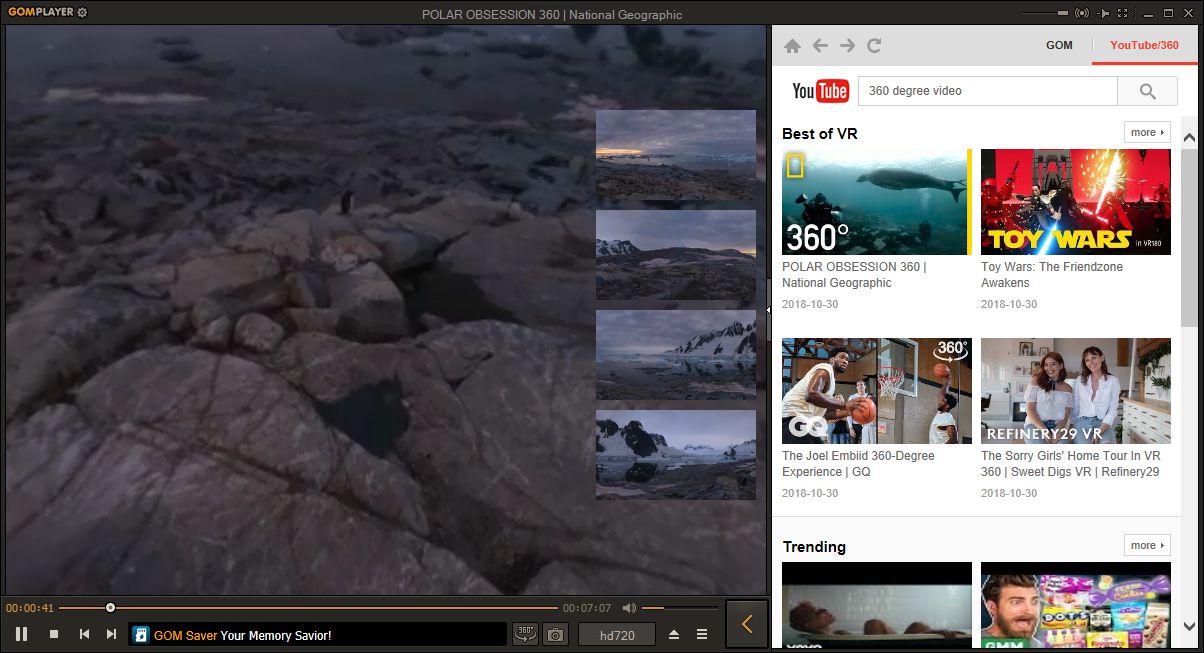
But when you hit a wall with missing codecs or messy subtitle handling, you'll inevitably start hunting for an alternative. That's where GOM Player steps in. It's a free video and audio player that handles almost any file format you throw at it, including 360-degree VR content.Watch out for the installer
A quick word of warning: pay close attention during installation. The setup wizard prompts you to install bundled third-party software, which is annoying, to say the least!Streaming and automatic subtitles
We love that you can stream YouTube videos directly within the app. If you watch foreign films or just prefer having text on screen, GOM Player uses its own automatic search to find and sync subtitles for your video. You literally don't have to do anything!Codec hunting and damaged files
The built-in codec finder is another solid addition. If you try to play a file that isn't supported natively, the app searches for the right codec and opens a webpage where you can grab it. It can even salvage damaged AVI files by simply skipping the broken parts.Navigating the interface
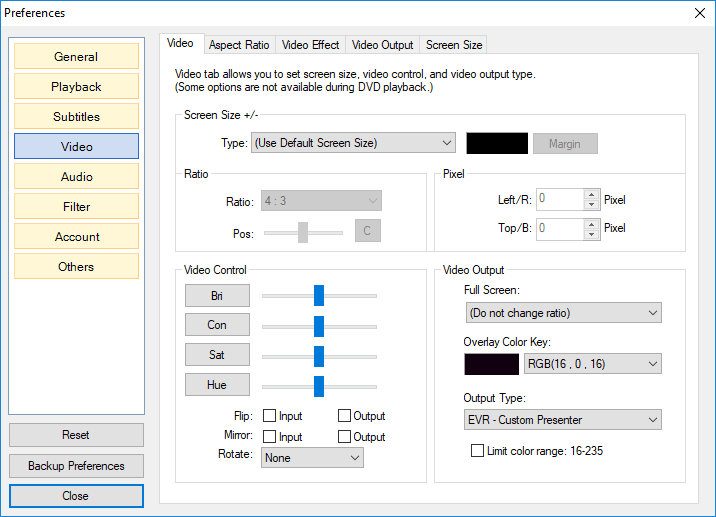
Some features feel a bit buried. The preferences menu, for example, is hidden behind a tiny cog icon tucked in the top left corner of the window. Most other settings are only accessible by right-clicking anywhere on the screen. On the bright side, if you don't like the default design, there are quite a few custom skins you can apply to change the look!